MS Paint for the Mac.
A blank canvas at the size you asked for. An image dropped on top of another one. A screenshot marked up and out the door. Native, free, open source, under 3 MB.
brew install --cask joshlin2201/itspaint/itspaint
Or get it free on the Mac App Store, or grab the notarised disk image from Releases. Signed, stapled, opens offline.
Why people end up here
The list people write out when they go looking.
Preview cannot make a blank canvas. Paintbrush has not kept up with macOS. The capable editors are a gigabyte and cost money. Here is the list, and where each one lives in ItsPaint.
- A blank canvas at the size I choose⌘N, then Image ▸ Canvas size… for exact pixels. Set the size you usually want and ⌘N is already right.
- Drop an image on top of another imageDrag it in from the Finder, or paste with ⌘V. A dropped image lands centred on the pointer.
- Move and scale it before it sticksIt arrives floating. Drag the image, or drag its corner handles.
- Don't crop it when it's bigger than the canvasThe canvas grows to hold it, and the window follows.
- Crop, and zoom out far enough to see it allDrag a selection then ⌘K. ⌘9 fits the whole thing to the window, well below 100%.
- A colour picked off the image, as hexEyedropper, or hold ⌥ from any tool. Every swatch shows its hex.
- Show up in right-click ▸ Open WithRegistered as an editor for PNG, JPEG, TIFF, BMP, GIF and HEIC.
- Be free, and stay freeMIT licensed. No account, no telemetry, no trial, no upsell.
Beyond Preview
The markup jobs the built-in tools skip.
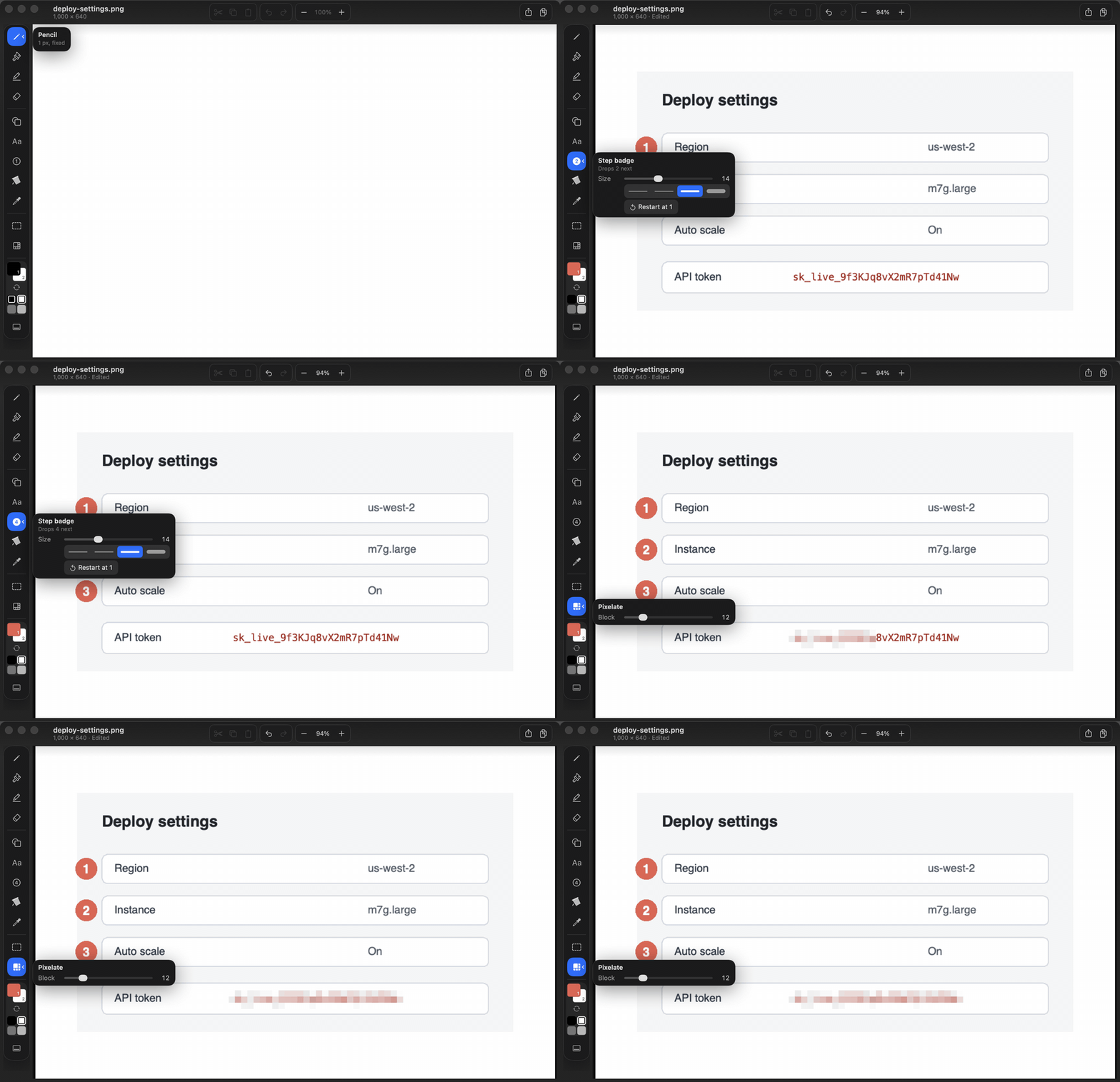
macOS Markup cannot number the steps of a bug report or redact a token. Those two are where ItsPaint starts, not where it ends.
Instant Alpha and real transparency
Select connected colour, make it transparent, export a sticker. Deterministic flood with a tolerance you control, no model deciding for you.
Step badges
Click, click, click. Numbered circles that turn a screenshot into a walkthrough, and renumber themselves through undo.
Pixelate
Drag a box over the secret. Mosaic redaction for tokens, emails, and customer names before a screenshot leaves your Mac.
Fifteen shapes, twelve tools
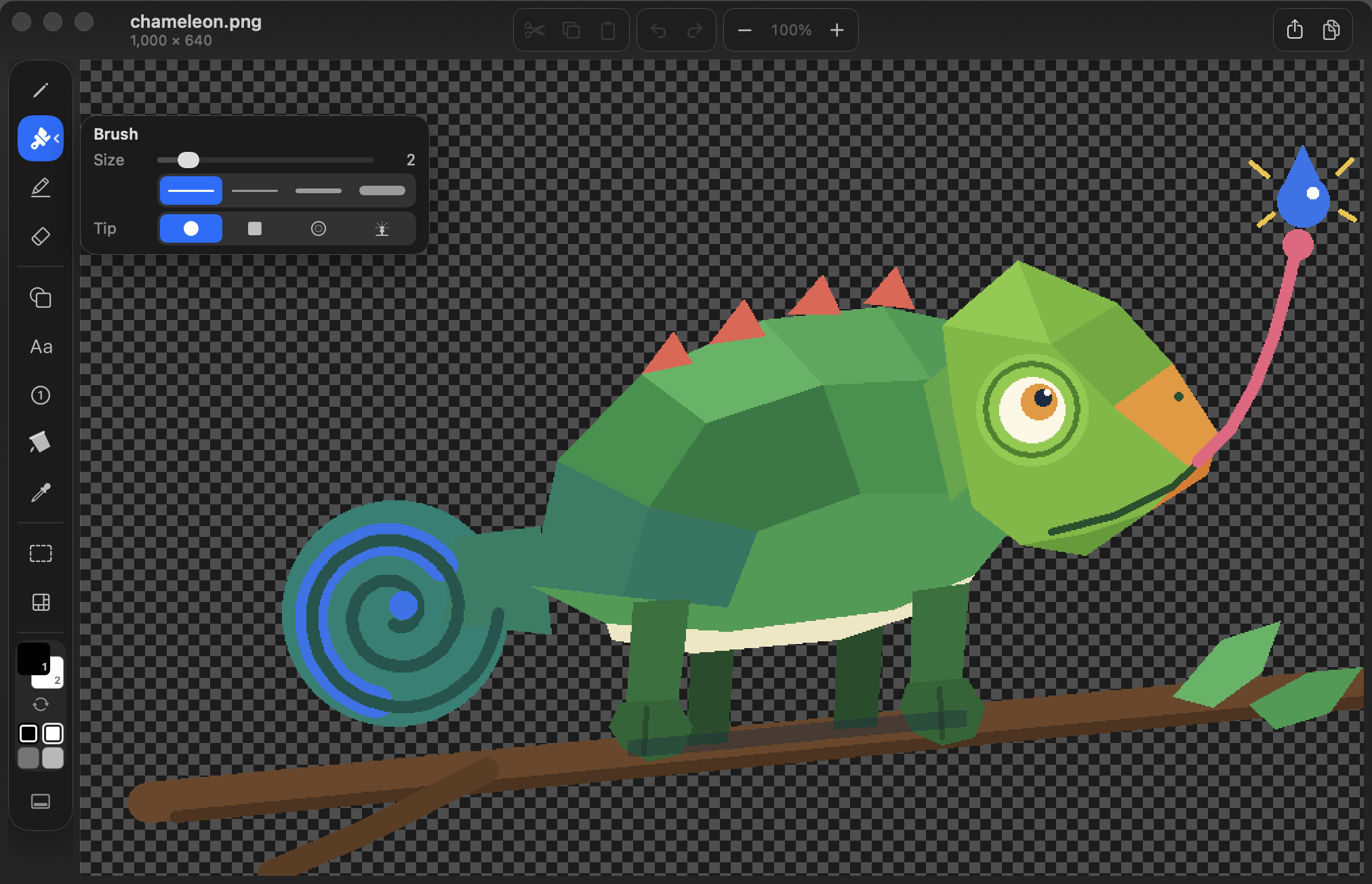
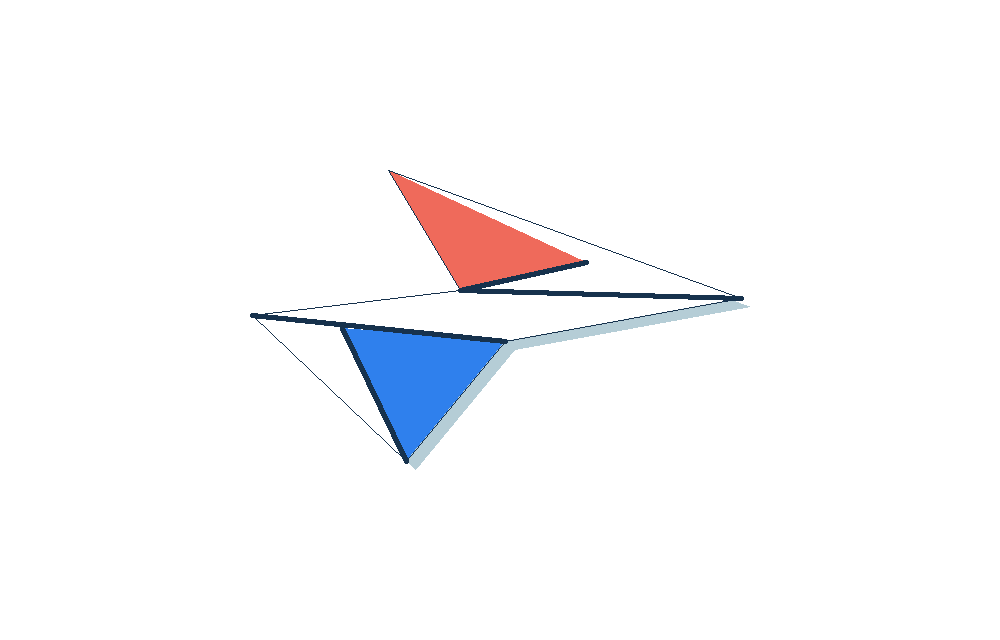
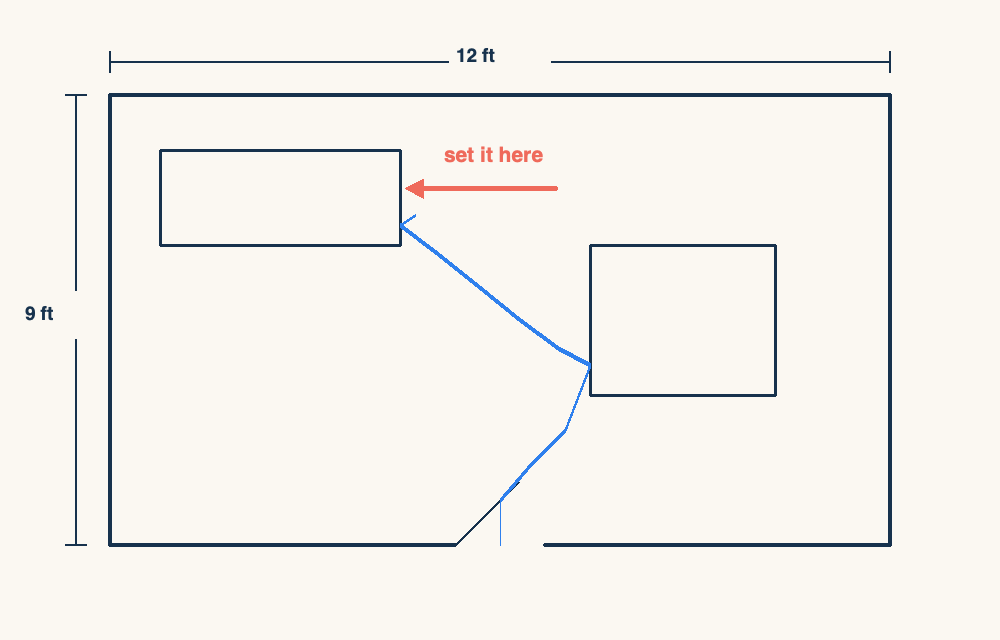
Arrows, callouts, stars, polygons. Solid, dashed, or dotted, with fills. Plus brush nibs from pencil-hard to airbrush.
Eight export formats
The document is a lossless PNG with a JSON sidecar, so it opens anywhere even without the app.
No account. No telemetry. No network code at all.
The claim is checkable, not marketing: the sandbox declares no network entitlement, and there is no URLSession anywhere in the source. MIT licensed, zero third-party dependencies, plain AppKit and SwiftUI. Read the source.
sandbox · user-selected files · app-scoped bookmarks — no network entitlement
every entry is an Apple framework — no CFNetwork, no Network.framework
no matches
Answers
Questions people arrive with.
Is there an MS Paint for Mac?
Not from Apple. macOS ships Preview, which annotates an image you already have but will not create a blank one. ItsPaint is the missing half: a new canvas at any size, the familiar tool rail, and an export that takes one keystroke.
How do I make a blank canvas on a Mac?
In ItsPaint, ⌘N. Pick exact pixel dimensions in Image ▸ Canvas size…, or set the size you usually start from once and every new document opens at it.
How do I paste one image on top of another?
Drag the file straight onto the canvas or press ⌘V. It arrives floating so you can drag it, scale it by its corner handles, and place it. If it is bigger than the canvas, the canvas grows rather than cropping it.
What about Paintbrush?
Paintbrush was the answer for a long time and it is still free, but it has not kept pace with recent versions of macOS. ItsPaint is a fresh, native build: Swift 6, AppKit and SwiftUI, universal for Apple silicon and Intel, notarised, and no third-party dependencies.
Is it actually free, or free for thirty days?
Actually free. MIT licensed, the whole source is on GitHub, there is no account, no telemetry and nothing to buy. It is also on the Mac App Store at no cost if you prefer installing that way.
Free and open source.
ItsPaint is in public beta. If it earns a place in your dock, a star helps other people find it.
Requires macOS 14 Sonoma or later. Apple silicon and Intel.